

Three steps How to Take a Perfect Dog in Front of Christmas Tree Photo on Your Phone
I can’t be in all your living rooms taking your family or dog photos, so I thought I help you out with some tips of how you can get that great looking family photo in front of the Christmas tree with just your phone.
Want to know how they do it? Read on!
First of all, this is not my usual festive family photo!
It’s just that… well, this was Isla’s response to my plea for help with the blog, so yeah… no enthusiasm at all.

I decided to instead work with the only people in the house who were obliging today: some cuddly toys.
Since dogs come in many shades, we got: a white and silver dog, a black raven, and a brown horse with a belly button. (The belly button has no significance to taking the photos, I just love the attention to detail and quality of work shown here.)
Since you will probably be using your phone, that’s what I did. No big camera. No fancy editing software.
You can of course use your camera, and the below tips will help you take better photos, too.
Why are my Christmas photos always dark?
This seems to be the standard result for most of us: the lights on the tree are nice and bright and the rest is dull or even dark… let’s just go and make your festive photos look great!
Not like this one, this is horrible.
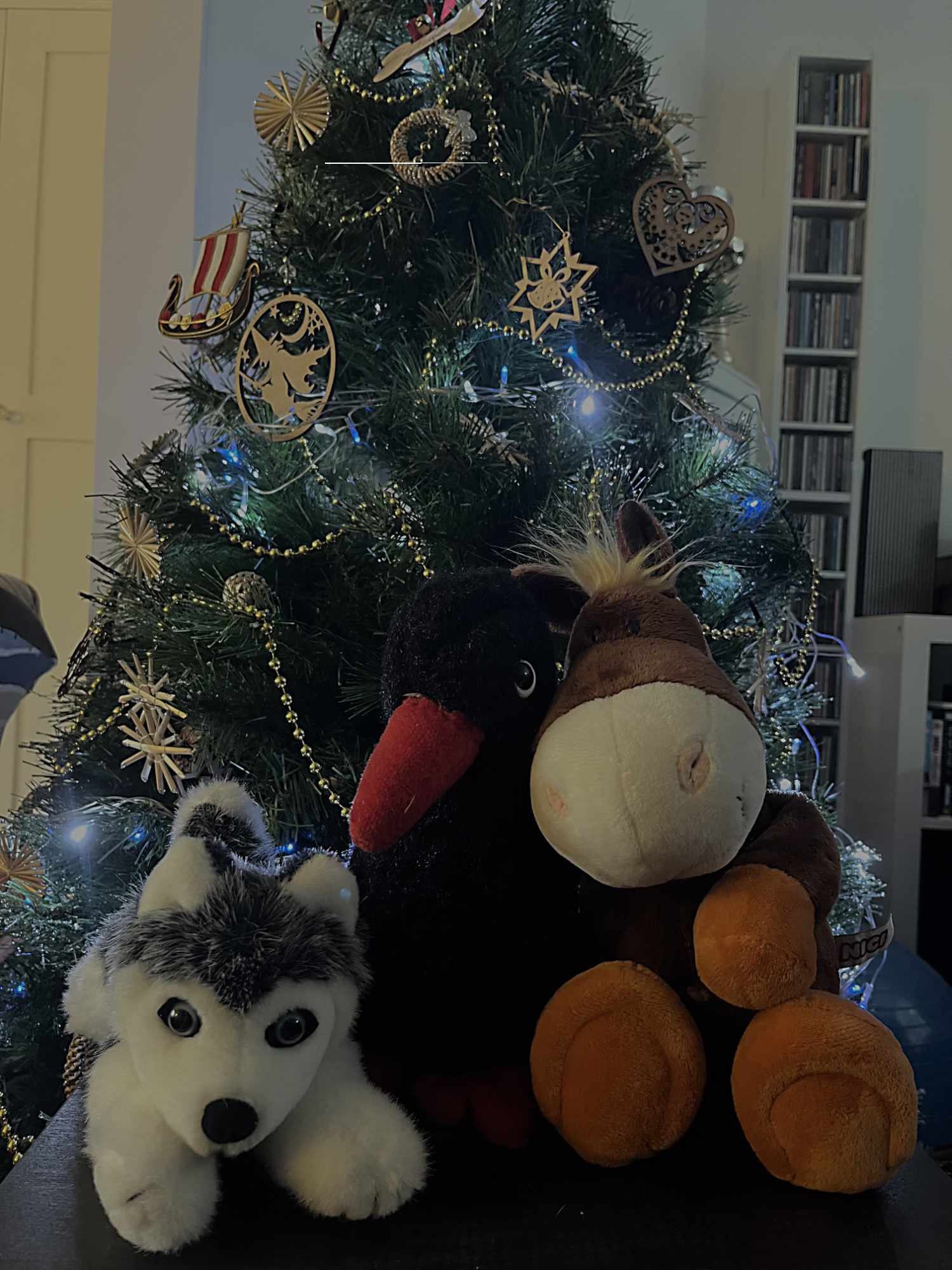
Step 1: Light up your scene to get a better photo
If there isn’t enough light for a photo, we stick the flash on, right?
*Breathes deeply and sighs* It’s what we tend to do…
The result usually is a brighter (possibly even perfectly) lit foreground with an even darker looking background.

Well, that’s a dead looking tree if ever I saw one!
So don’t stick the flash on! Follow the below steps to get a perfectly lit photo without a photographer’s lighting equipment.
Step 2: Know how to light up your scene to get a better photo
You can open blinds or switch the lights on. What works best depends on where in the house your tree is set up. The lights can be anywhere, except behind your family, the dogs and the tree.
So this is a photo with my blinds and ceiling lights on. The lights are coming from left and right of the tree and toys.
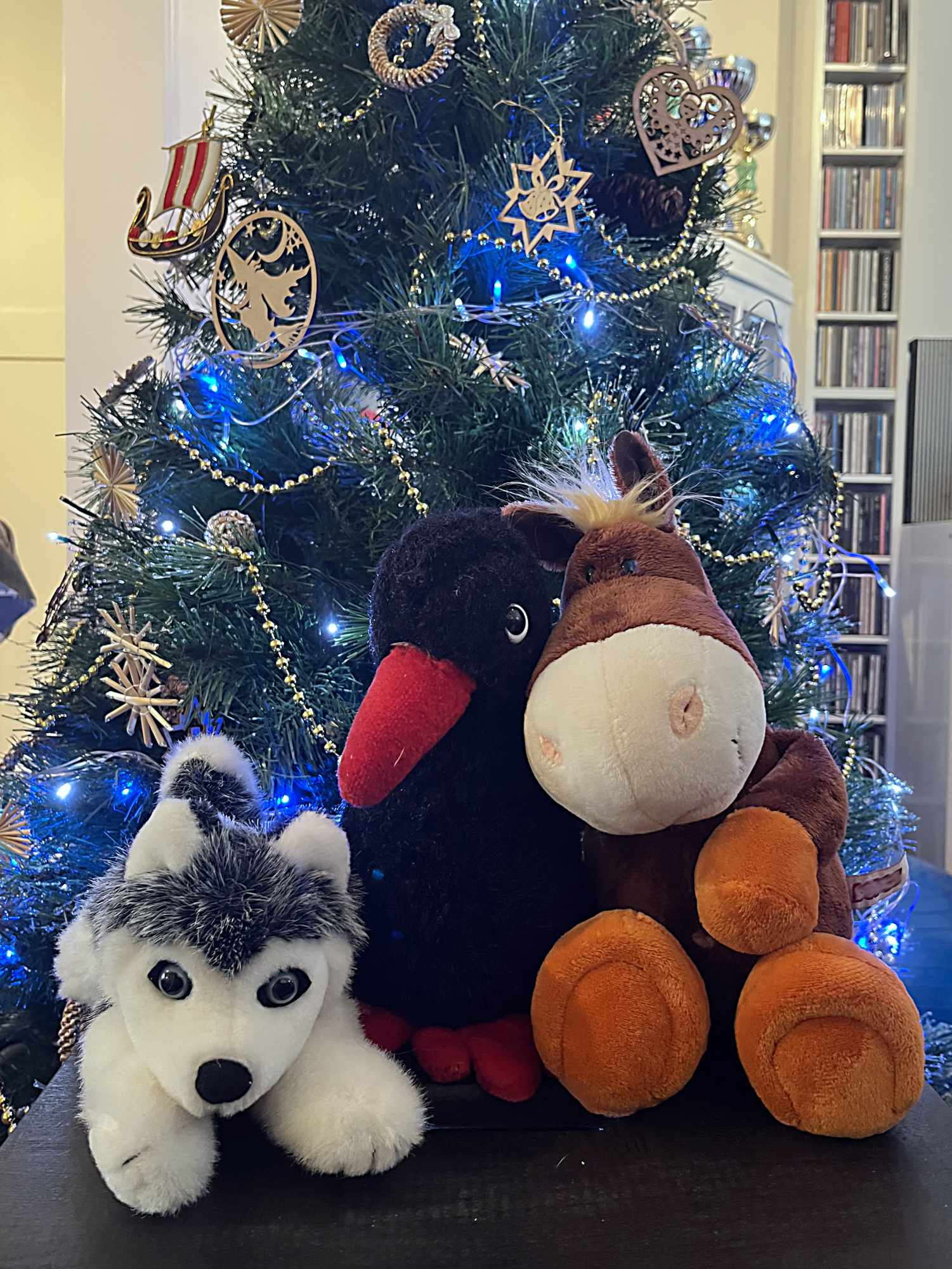
Better, won’t you agree, but not quite fit for an Insta brag. If that raven was my black dog, you would not be able to see her eyes or her nose, she would just be a black blop.
We can fix this! Easily!
Step 3: Add the flash back in
Yes, the thing I told you in step 1 not to do, you might have to do it! But only together with step 2. Always together!
For light coloured dogs, getting more light in the scene in usually enough to create a great photo you will be proud to show off. Dark coloured dogs on the other hand, almost always require you to add the flash back in.
Force the flash: your phone by default will have the flash set to ‘auto’ or ‘off’. You need to change it manually to ‘on’ or it won’t fire.

Oh no! Now the white dog and the horses nose are glowing!?
See how the husky’s face and the horses nose look like they are glowing. Look more closely at the husky: his face has no shape now. There is just too much light on it.
If this happens, just take one step away from them. I mean literally one step.
And here is your perfect photo for Instagram. The difference between the last two photos is one foot distance.
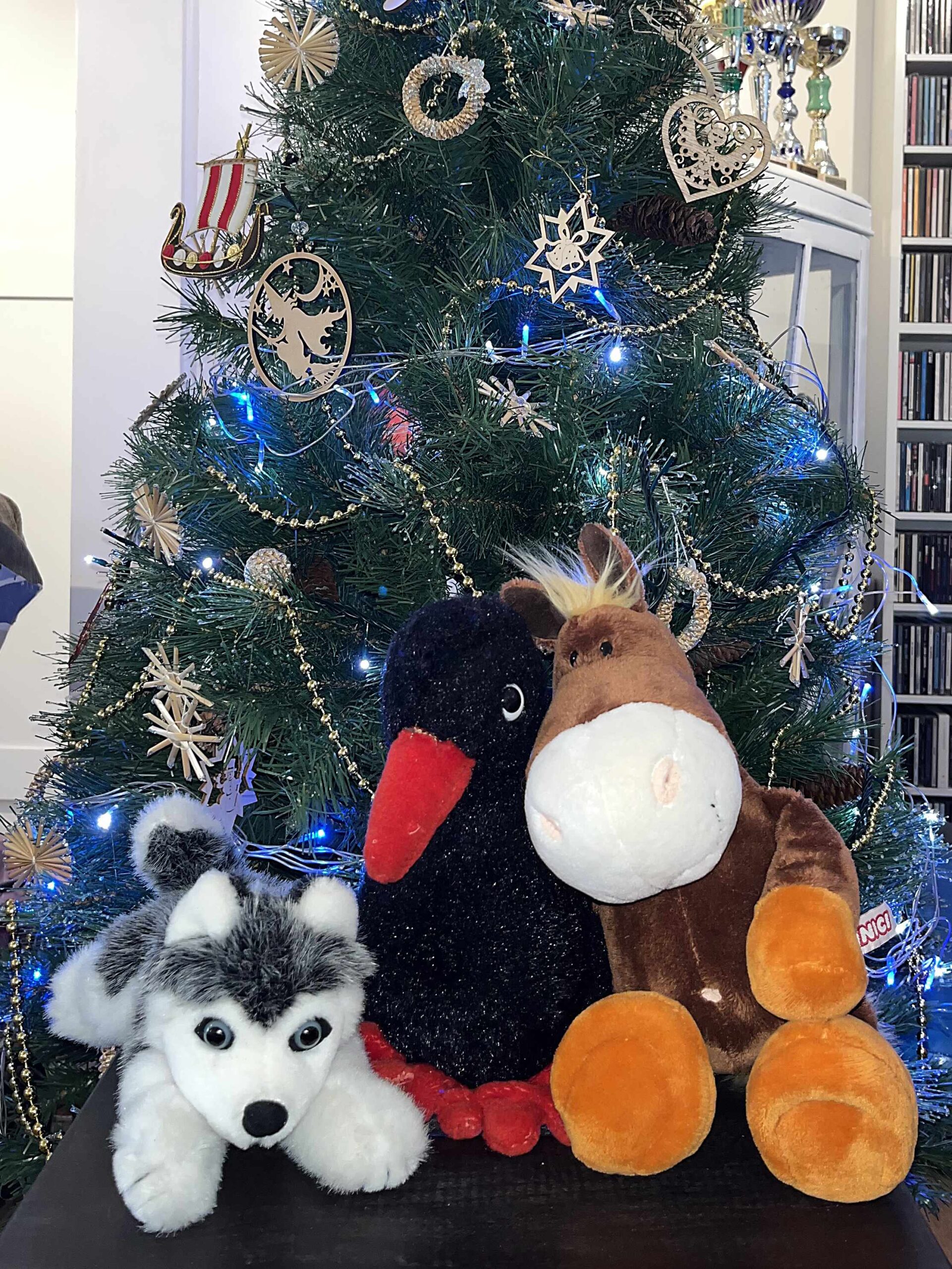
See, you can do Christmas magic!
And all you needed was your phone! No fancy equipment! No photoshop!
I appreciate that you don’t want to read through the entire blog every year when the festive photo time comes round. And you probably won’t remember it all either. So here is the whole thing in bullet points.:
Take a screenshot, saved it to the favourites on your phone, and it will be there for you when you need it:
How to Take a Perfect Dog in Front of Christmas Tree Photo on Your Phone
by Nadina Bee:
- Lights on: Switch lights on if they are in front or next to your tree.
- Flash on: put your flash setting to on (not auto)
- Help! Too bright! Take one step back and retake the photo
Congratulations! You just took the perfect festive photo.
Now please share it with us. Happy holidays!
Happy Christmas!
Blessed Yule!
Hannukah Sameach!
Happy Holidays!
And lots of love,


